01
Local-first AI concierge
A question typed into the bar is answered in writing, with the page you are reading as context. You choose whether the answer comes from your own machine or from a service you name yourself.

Features
Twenty-four features, and an honest comparison.
No roadmap, no wishlist. This is the software as it ships today.
What is inside
A question typed into the bar is answered in writing, with the page you are reading as context. You choose whether the answer comes from your own machine or from a service you name yourself.
The answer is shaped to what you actually meant — a private jet, an off-market villa, a charter, an auction, plain travel — instead of handing back a list of links.
Personal, Banking, Shopping and Work. Each keeps its own cookies, its own cache and its own history, and moving between them is instant and complete.
One switch removes the identifying details a device would otherwise hand out. The protection state, the connection type and the number of requests stopped are always on display.
Every attempt a page makes to read your device is counted and attributed to that site: how many, which kind, and on which page. Nothing about it is sent anywhere.
Off until you ask for it. A preference you explicitly save is kept as one durable line that you can read, edit item by item, or erase entirely.
Tabs, titles, the page you actually reached and the tab you were looking at all return when you relaunch. Your own internal pages are never restored.
Every page you visit is recorded, including while the interface is closed. Five hundred entries, each with its host, title and time, each removable on its own.
Star any page. One click saves the live title and address, duplicates are refused, and a panel lists them all for reopening or removal.
Each identity watches for its own downloads, asks where to save, and reports live progress with a state per file: progressing, done, cancelled or interrupted. A finished file opens in its folder in one click.
Ctrl+F from anywhere. Matches are highlighted, the count comes from the page itself, and Enter or the arrows walk the results and wrap around. Escape clears the selection.
Ctrl + and Ctrl − step the active tab in 25 % increments between 50 % and 300 %; Ctrl+0 returns it to 100 %. Every tab keeps its own level.
One command turns the page into a clean article — title, byline, paragraphs — with a three-sentence brief at the top. No service, no tracking pixel.
Open a document, or drop one onto the bar. Its text is read on this machine and turned into a short brief with the key figures called out. The file itself is never uploaded.
Press the microphone and speak; the transcript is written for you and sent as your question. Two sizes are offered, Tiny and Base. The microphone is granted for audio only — the camera is refused, and the refusal cannot be talked around.
Mix queries every engine at once and merges the answers into one clean list. Or choose a single engine and its results open as an ordinary page. Your choice is remembered between sessions.
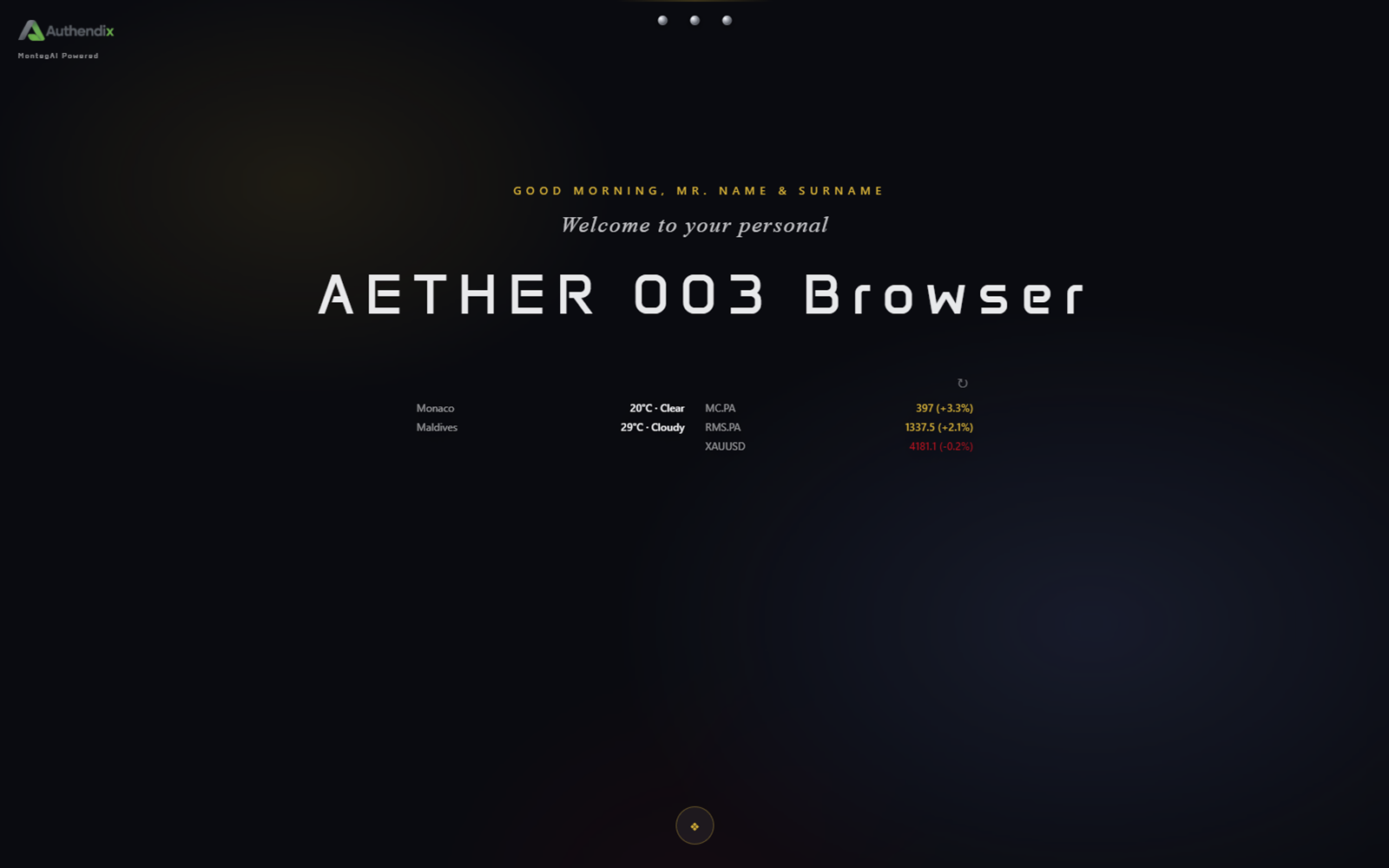
Weather for the places you nominate and prices for the symbols you follow, resting quietly under your greeting until you ask for a refresh.
Ctrl+K puts every action in one keyboard-first list: open a tab, read the page, ask a question, toggle protection, switch finish, wipe memory.
The three-step first-launch ritual — language, home base, intelligence — is not a one-time gate. Run it again whenever you want to change your mind.
Every page runs apart from the rest. It cannot reach the browser’s own functions, and receives only a small, reviewed set of actions of its own.
Geolocation, notifications, camera, MIDI, pointer lock and fullscreen are refused outright. The rule is an allow-list rather than a deny-list, so anything not explicitly wanted stays closed.
One action clears cookies, cache, local storage, indexed data, service workers and the remaining caches for the session you are in. Nothing is kept and nothing leaves the machine.
Obsidian and Alabaster, built from the same set of values the browser itself uses. Reduced motion and sound switch off independently, and both choices are remembered.
English, Italiano, Français and Munegascu. The interface ships in all four, chosen during onboarding and changeable at any time.
Honest comparison
Read this as a starting point, not gospel. Firefox in particular is a serious project and gets several of these right already — MonegAI’s difference is that the AI, the reader, the ledger and the concierge live in the same window as the browsing.
| Capability | MonegAI | Chrome / Edge | Firefox | Brave | Safari |
|---|---|---|---|---|---|
| AI answers questions on-device by default | Yes | Cloud only | Add-on / cloud | Add-on / cloud | Cloud only |
| Built-in isolated identities / containers | 4, one click | Profiles | Containers | Profiles | Profiles |
| Fingerprint attempts counted per site | Yes, local ledger | No | No | Yes, opt-in | No |
| Reader + local summary built in | Yes | No | Reader mode only | No | No |
| Local document / PDF summarisation | Yes | No | No | No | No |
| On-device voice transcription | Yes, Whisper | Cloud | Add-on | Add-on | Yes, limited |
| Opt-in memory you can read and edit | Yes | No | No | No | No |
| Zero interface until asked | Yes | No | No | No | No |
| Changeable search engine, any engine | Yes | Yes | Yes | Yes | Restricted |
| Free and inspectable | Yes | No | Yes | Yes | No |
“Cloud only” means the feature works but the prompt has to leave your machine. Where a browser can do the job locally, that is a genuine difference; where it cannot, the honest answer is that it is a trade-off, not a win.
Questions
It depends who you trust, so the honest answer is: the one you can audit. MonegAI is a good candidate because its AI, reader, document summarisation, voice input and fingerprint ledger all run on your own machine, it has no server and no telemetry, and every part of it can be inspected. Firefox remains a strong choice if mature container support matters more to you, and Brave if you want broader curated blocklists.
No. MonegAI has no server-side component. History, bookmarks and downloads are written to local files on your machine, the AI runs locally unless you explicitly enter a cloud API key, and voice transcription runs locally with Whisper. Only the websites you visit receive the requests you expect them to receive.
No. There is no telemetry, no analytics, no crash reporting and no account system. The only network traffic is to the sites you choose to visit, and to a model endpoint if you configure one.
Personal, Banking, Shopping and Work. Each is a separate Chromium storage partition with its own cookies, cache and hardening, so a site you visit while shopping cannot read state left behind while banking.
Yes, once you point it at a local model file. MonegAI runs any GGUF model through llama.cpp on your machine. If you would rather use a cloud model you can paste an API key in Settings, but that is opt-in and off by default.
Brave blocks fingerprinting using curated lists that ship with the browser and are applied opt-in per site. MonegAI injects anti-fingerprint noise at navigation start and then counts the canvas and audio probes the page actually attempted, per host, on your own disk. Brave's lists are broader; MonegAI's ledger is local and shows what really happened on the page you were looking at.
Yes, it is free. There is no paid tier, no account and no in-browser advertising. If you want a local AI you bring your own model file.
Windows 10 and later, macOS 12 and later, and current Linux desktops. Windows x64 builds as both an NSIS installer and a portable ZIP; macOS ships as a universal DMG; Linux ships as an AppImage.
The interface ships in English, Italiano, Francais and Munegascu. You choose during onboarding and can change it later.